Verify every cleaning job was completed
Assign jobs to your crew and get digital checklists with timestamped photos back — so you know the work got done without chasing anyone by phone.

Sound familiar?
Most owners still can't confirm today's work was actually finished — until a client calls to complain.
Hours on the phone
Owners spend their day calling crews to ask one question: did the job get done?
Updates that disappear
Texts and verbal check-ins leave no lasting record of what was actually completed.
Lost paper trails
Missing forms and incomplete tasks turn into client complaints and disputes.
One workflow. Verified proof.
JaniSnap does one thing exceptionally well: confirm every cleaning job was completed — with evidence you can trust.
Job assigned
Create a job, select the client, crew member, and checklist template.
Checklist completed
Your crew opens the job on their phone and works through each task.
Photo proof captured
Timestamped photos are uploaded before the job is marked complete.
Verified record
You see exactly who completed the work, when, and what was done.
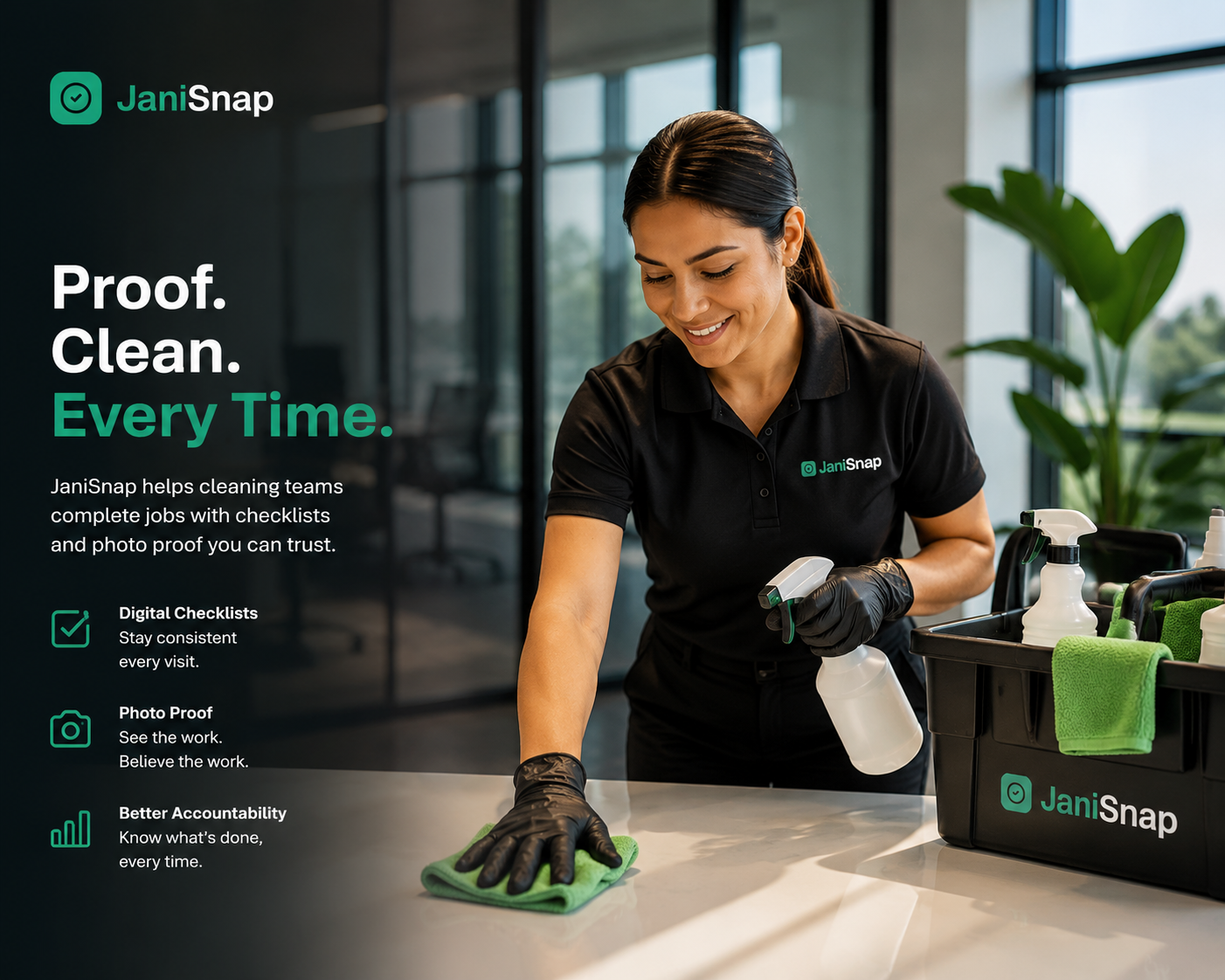
On-site verification
Every visit documented before your crew leaves
Checklists, photos, and timestamps captured in the field — synced to your dashboard so you always know what was done, where, and when.
How JaniSnap works
Three steps from assignment to proof. Simple for owners. Effortless for crews.
Owner assigns the job
Select a client, assign a crew member, attach a checklist, and set the date. Under a minute.
Crew completes on-site
Employees open the app, work through the checklist, and upload photos — in under 60 seconds.
Owner reviews proof
Your dashboard shows every checklist, photo, and timestamp. No follow-up calls required.
Built for clarity. Not clutter.
No payroll, scheduling, or invoicing. Just verified job completion — focused and done right.
Two roles. One platform.
Owners run operations. Crews complete the work. Each role gets exactly what it needs — nothing more.
< 60s
To complete a job on-site
< 5 min
To onboard a new crew member
99%
Photo upload reliability target
Pay for your crew size. Not per job.
Every plan includes the full JaniSnap workflow — checklists, photos, and completion records. Pick monthly or save with yearly billing.
Employees are added by the owner and do not need their own subscription. Business tier includes unlimited active employees under fair commercial use.
Frequently asked questions
Quick answers before you get started.
Stop wondering. Start knowing.
Owners are set up in minutes. Crews sign in and get to work.
Already an owner? Sign in here